
Avoid getting lost with Nokia Maps, whether you're driving or walking.It's free and here's what you get:
-full navigation and maps for over 70 countries
-Drive and Walk navigation in over 90 countries
- real-time voice guidance for Drive and Walk
- maps for over 180 countries with free updates
- real-time weather services
- travel guides for over 1,000 destinations
- real-time events listings
- and much more.Nokia Map Loader downloads maps of over 200 countries to your PC which can be transferred to Nokia Maps on a mobile device (both available for free on the the download page). Once the map is transferred to a mobile device, it can be used any place at any time saving on mobile data service costs.
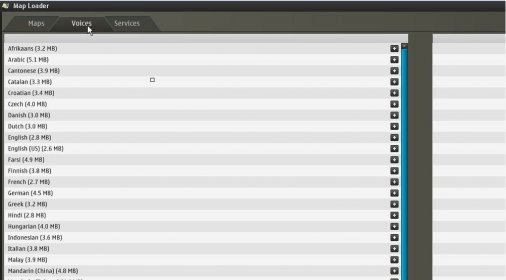
The Nokia Map Loader application installed on your PC has to be synchronized (usb cable, bluetooth or IR) with a mobile device with Nokia Maps previously installed. The application will calculate the amount of free space on the device´s memory which is subtracted by the size of the chosen map on the PC application. A variety of countries and cities are listed on the interface from which any can be selected and downloaded. The Nokia Map Loader has the option to transfer the map or maps automatically or manually using the Nokia PC Suite. City maps can also be selected according to their spoken language.
Other services like the Navigation tool which is a turn-by-turn voice guided navigation feature or the Guides feature which displays a wide variety of hotels, restaurants, tourist information, sights, entertainment and many more are also available but require purchase. This application has a very user friendly purchasing system.





Comments (5)